



You may still be in college, or you may have just finished your final exam and started searching for your first job or internship. While your resume sits quietly on your laptop, recruiters are actively searching online for fresh talent. This is where a strong LinkedIn profile for freshers becomes extremely powerful.
A well-built LinkedIn profile works like an online resume that never sleeps. It introduces you to recruiters, highlights your skills, and brings opportunities to you instead of forcing you to chase every job opening. This beginner-friendly guide focuses on what recruiters actually look for and shows you how to build a job-ready LinkedIn profile step by step.
Why LinkedIn Is Important for Freshers in 2025
LinkedIn is no longer optional for students and fresh graduates. Recruiters use it daily to search for interns and entry-level candidates by typing skills, job titles, and locations into the search bar. Even without full-time experience, freshers with clear profiles can appear in these searches.
In 2025, hiring managers focus on three main things when reviewing a LinkedIn profile: relevant skills, clear keywords, and basic activity. You do not need years of experience or viral posts. You only need a profile that is complete, honest, and easy to understand.


How Recruiters Use LinkedIn to Find Freshers
Recruiters usually start with keyword searches. They type phrases like “software engineer intern,” “marketing trainee,” or “data analyst fresher,” then apply filters such as location, education, or experience level. Profiles that contain matching words in the headline, About section, and skills appear higher in results.
If a job description mentions tools like Excel, SQL, Python, or Canva, those same words should appear in your profile if they are relevant to you. Using the right keywords honestly helps recruiters find you faster and understand your potential.
Common LinkedIn Mistakes Freshers Make
Many freshers unknowingly hurt their visibility on LinkedIn. Some of the most common mistakes include using no profile photo or an unclear selfie, leaving the About section empty, listing skills that do not match any target role, or failing to show any projects or activities. These mistakes quietly push profiles lower in recruiter searches.
The good news is that all of these issues are easy to fix.
How to Build a Strong LinkedIn Profile as a Fresher
Recruiters usually scan profiles in a specific order. Optimizing each section properly helps create a strong first impression.
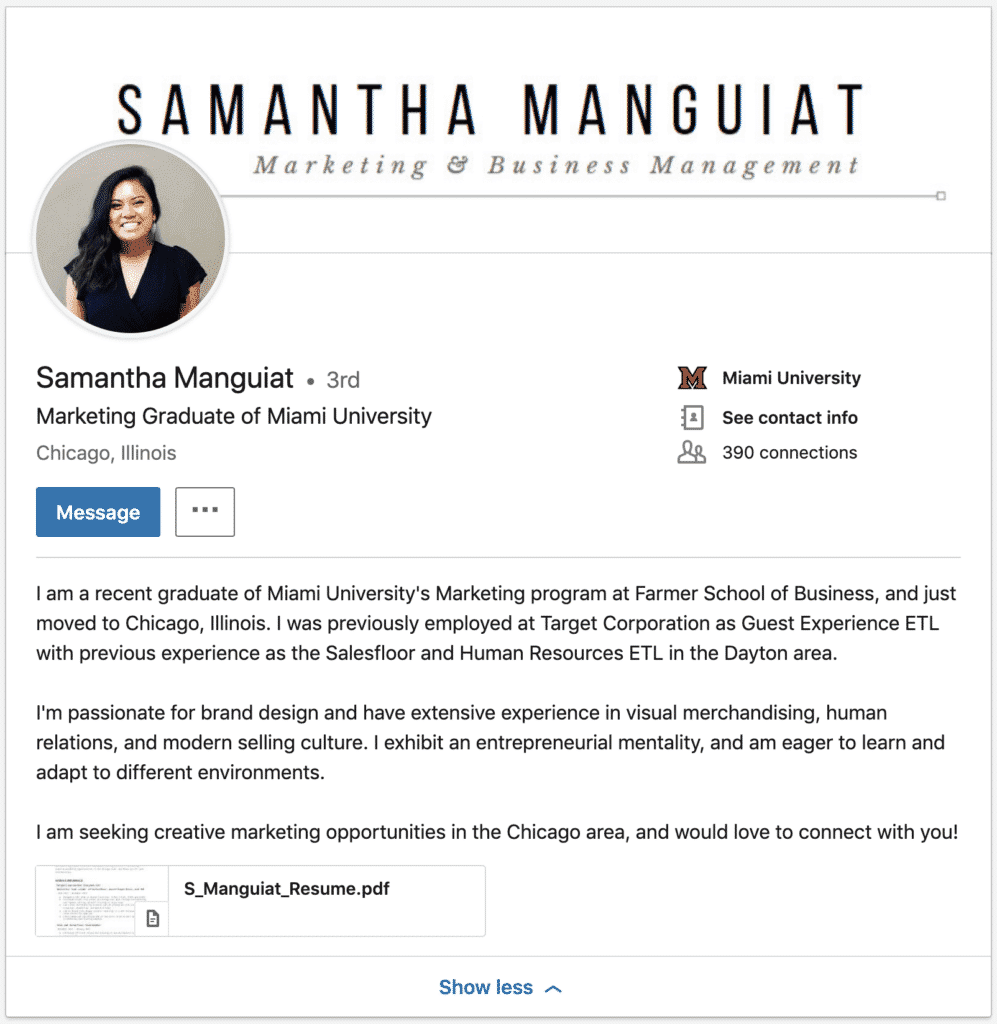
Choosing the Right Profile Photo and Banner
Your profile photo does not need to be professional studio photography. A clear phone photo works if your face is visible, the background is simple, and the lighting is good. Wear clean, simple clothing and use a natural smile. Avoid group photos, heavy filters, or casual party images.
The banner image should be clean and supportive. A simple color background, a campus image, or a subtle graphic related to your field works well. It should not distract from your profile.



Writing a Keyword-Focused LinkedIn Headline for Freshers
Your headline is one of the most important parts of your LinkedIn profile. Instead of writing “Fresher” or “Student,” use a simple structure that includes your field, target role, and key skills.
A clear headline helps recruiters instantly understand who you are and what you want.
Writing a Simple and Honest About Section
The About section should briefly tell your story. Write in first person and keep it friendly and clear. Mention what you study or studied, what type of role you are interested in, and what skills or projects you already have. End with a short line showing openness to opportunities or connections.
Short and clear writing is better than long, complex sentences.
Adding Experience Without Full-Time Work
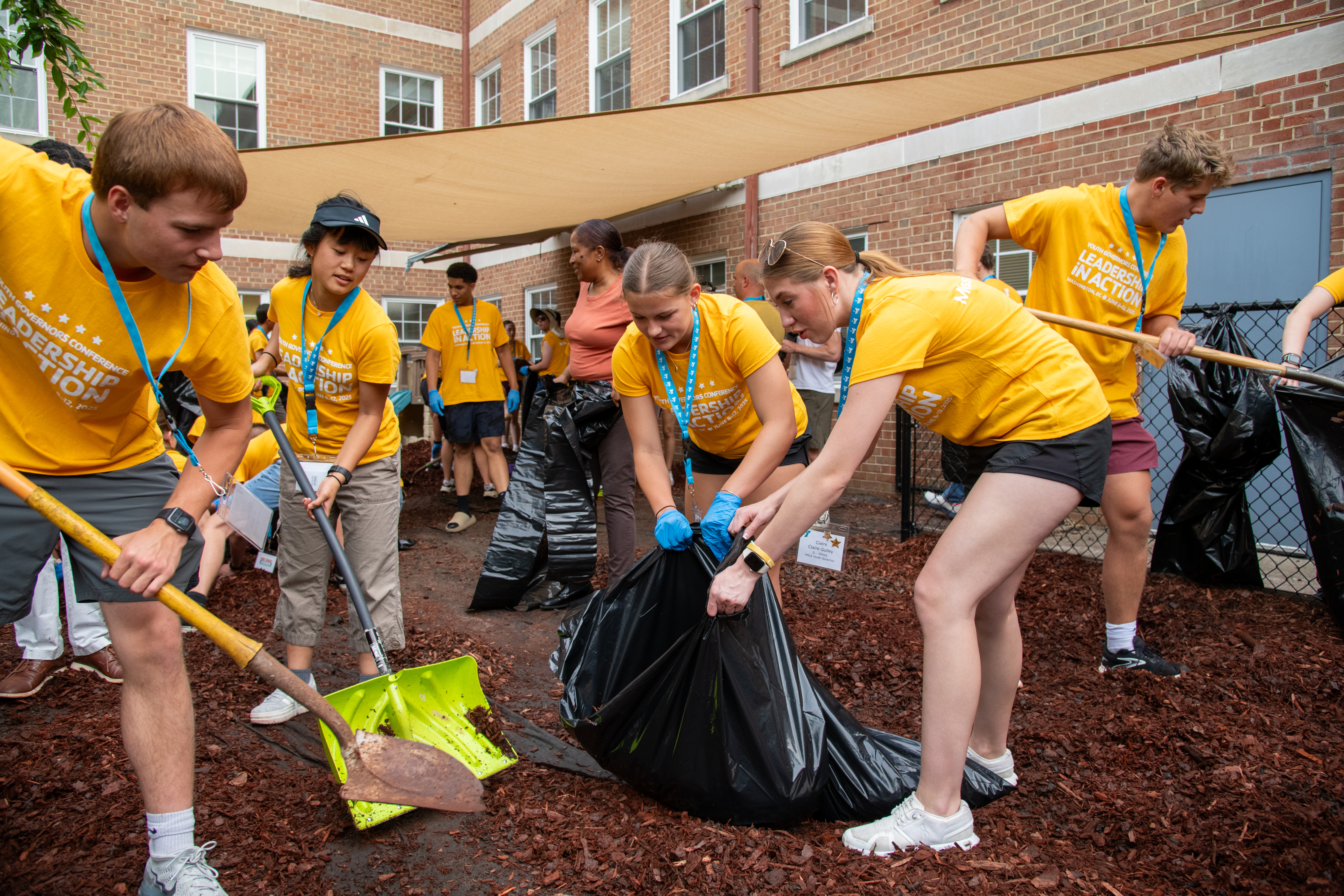
LinkedIn experience does not mean only full-time jobs. You can add internships, part-time work, academic projects, volunteer activities, or campus leadership roles. Each entry should include a short description that explains what you did and what you learned.
Use action-based language and include small results where possible. This shows initiative and real-world exposure.

Completing Education, Skills, Projects, and Certifications
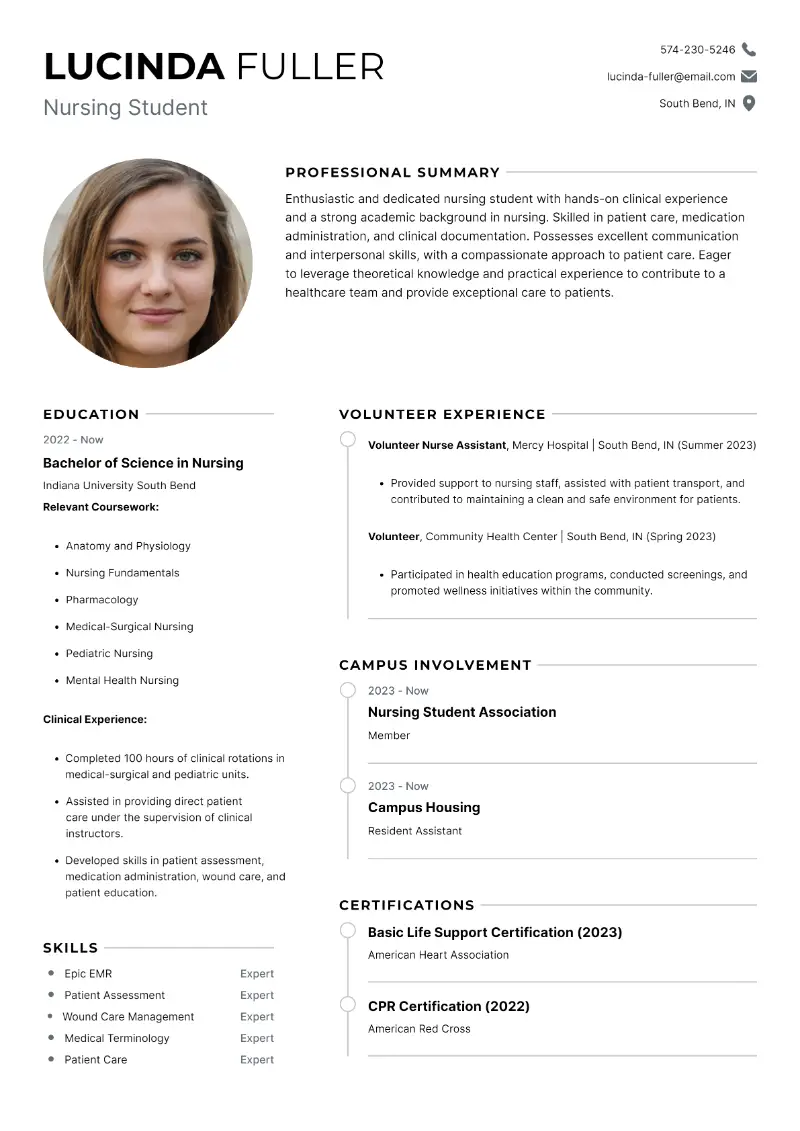
Your education section should include your degree name, college, and study period. Projects are extremely important for freshers. Add academic or personal projects that relate to your target role and briefly explain the tools used and outcomes.
Choose five to ten focused skills that appear in job descriptions you are interested in. Certifications from trusted platforms also help show continuous learning and motivation.
Turning On Open to Work and Updating Contact Details
The Open to Work feature tells recruiters that you are available. Select correct job titles, locations, and job types. Add a professional email address and your location so recruiters can contact you easily.
Keeping Your LinkedIn Profile Active
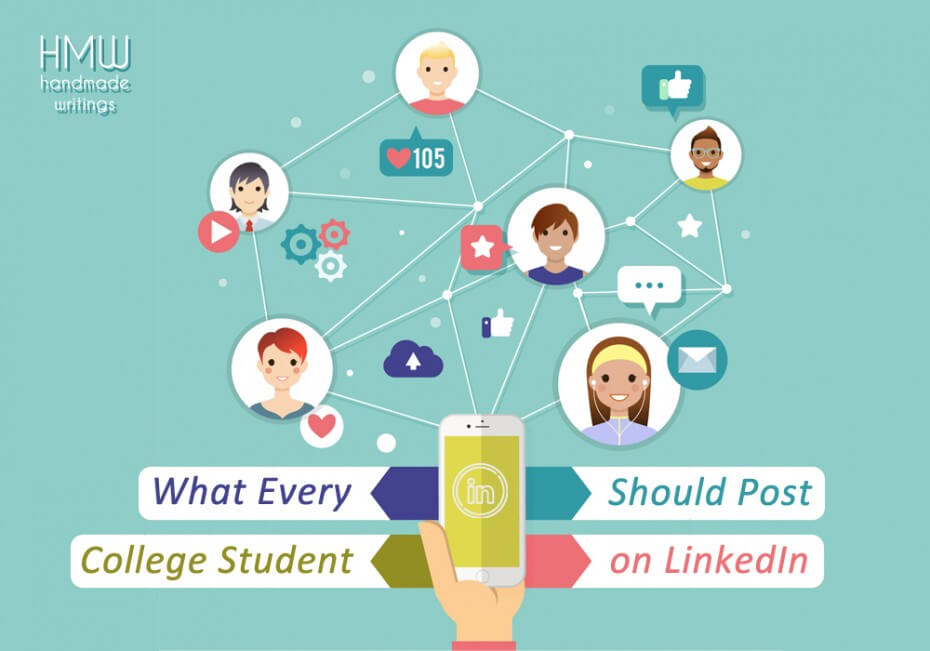
After setting up your profile, light activity helps visibility. Sharing what you are learning, posting small project updates, or commenting thoughtfully on posts from professionals keeps your profile active. Even one post per week helps you stay visible.


Quick Checklist Before Applying for Jobs
Before you apply, confirm that your profile photo is clear, your headline includes keywords, your About section tells your story, your experience and projects are listed, your skills are relevant, and Open to Work is enabled. A complete profile increases trust and response rates.
Conclusion
A strong LinkedIn profile for freshers can open doors even without full-time experience. It highlights your skills, interests, and learning journey in a way recruiters understand. Start small, improve gradually, and treat your LinkedIn profile as a living document that grows with you. When built correctly, it becomes one of your most valuable career tools.
References
Jobscan – LinkedIn profile optimization for job seekers
https://www.jobscan.co
Novorésumé – LinkedIn profile tips for students
https://novoresume.com
LinkedIn Career Advice – Profile and job search guidance
https://www.linkedin.com